In-Home Care Rostering & Scheduling Software
Get started
01
Add locations
Add the locations where your organisation operates. Quick Tip: If you serve multiple regions or areas, then you can make use of locations for areas where you can assign carers to.


02
Add all your staff
Add all your staff in your organisation, invite them using the mobile app or the web platform. Tip: You could add a default location to the staff while inviting them to the roster as well as choose locations where they can work.
03
Start creating rosters
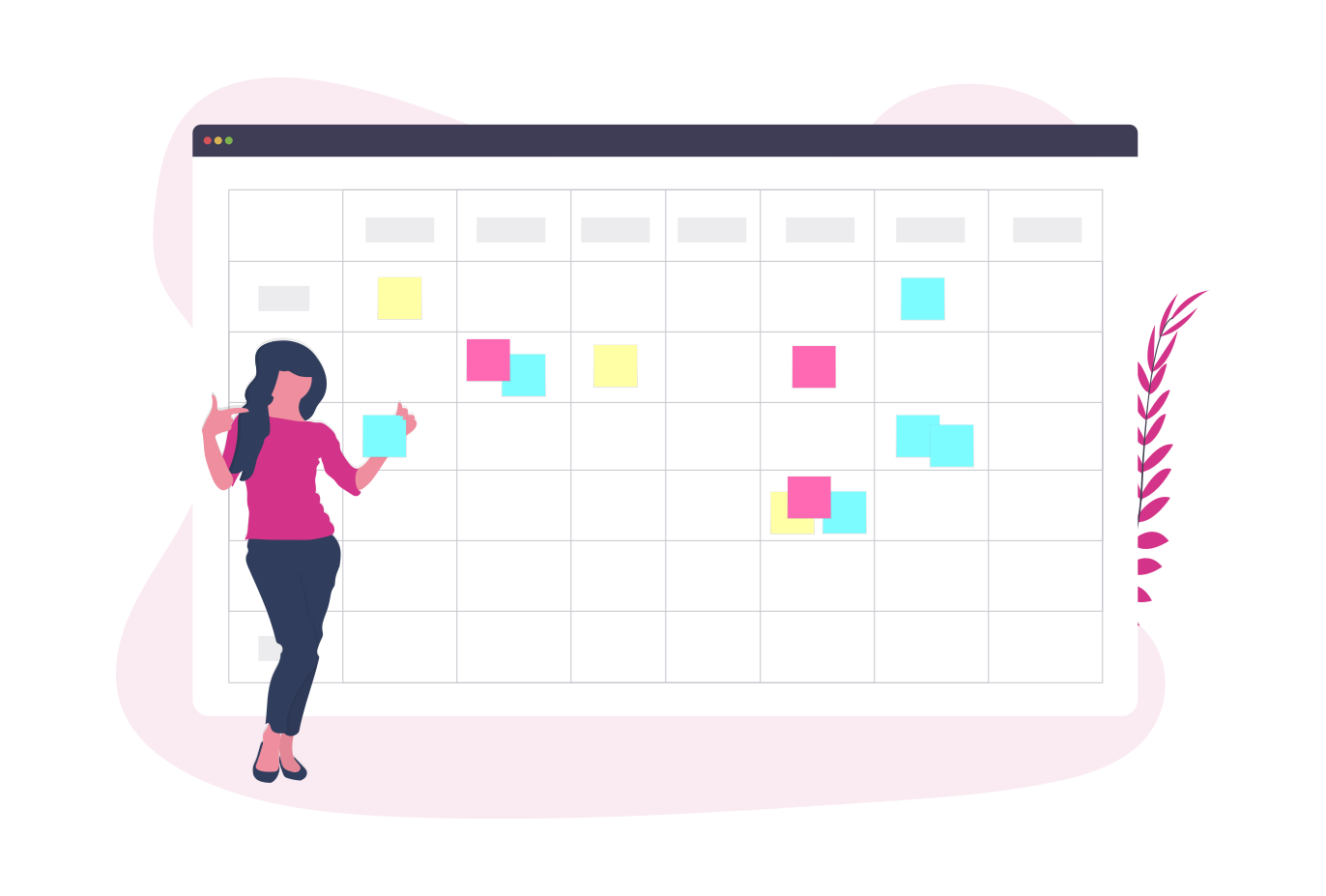
Now that you have your staff and locations setup, you can start creating rosters for the week. If you are unsure of a shift, you could create OPEN Shifts and your staff can assign themselves to the shift if they match the shift level criteria.

04
Staff Certifications
Add your staff certifications in one place. Also with shift levels you could create shifts for people who have a particular skill set. Helps you in being compliant everytime without the hassle.
05
Print roster
You need to display the roster for the day as per compliance. You can print out the roster page using your preferred browser and print it out. Its that simple.

In-Home Care Rostering — Frequently Asked Questions
What is in-home care rostering software?
In-home care rostering software is a digital tool for scheduling carers to client visits across geographic areas. It manages availability, certifications, open shifts and compliance, replacing paper-based schedules.
Does GetMyRoster support SCHADS Award compliance for home care?
GetMyRoster helps home care providers track carer hours, manage availability and print compliant rosters. We recommend verifying specific SCHADS Award interpretation with your HR advisor.
How much does in-home care rostering software cost?
GetMyRoster has a free plan for small in-home care teams with up to 5 users. Paid plans start from $1 per carer per month with an annual subscription.
Can carers view their visit schedule on their phone?
Yes. Carers receive shift and visit notifications on the free GetMyRoster iOS and Android apps and can view their full schedule, accept shifts or mark themselves unable to attend.
Can I track carer certifications and qualifications?
Yes. Store first aid, medication administration and other certifications in GetMyRoster. Use shift levels to ensure only carers with the right qualifications are assigned to specialist client visits.
Does GetMyRoster work for multiple service regions?
Yes. You can create locations for each service region or suburb and assign carers to the areas where they are available to work, making geographic scheduling straightforward.